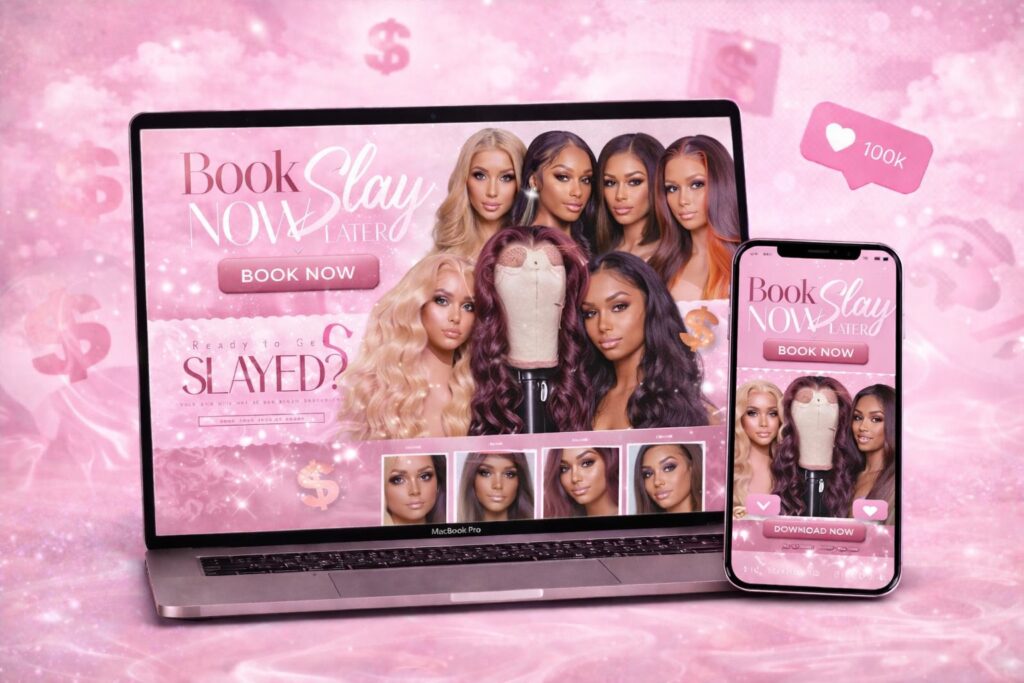
Instagram is where most beauty businesses start. It’s free, visual and full of potential clients. But once you’re busy, booking through DMs turns into a second job: answering the same questions, juggling times, chasing deposits, and losing clients who never got a reply. This guide shows how to move bookings from Instagram to your own booking website — step by step, without losing your audience.
In this guide
- Signs you’ve outgrown DM booking
- What your booking site needs
- Moving clients over
- Keep Instagram working for you
- Mistakes to avoid
- A one-week setup plan
- What changes after the switch
- What to write on your services page
- Switch checklist
- FAQ
Signs you’ve outgrown DM booking
- You answer “how much?” and “any availability?” several times a day.
- Clients book, then disappear — and you didn’t take a deposit.
- You’ve double-booked or forgotten someone at least once.
- You lose bookings because you replied the next morning.
- Your evenings go to admin instead of rest.
If two or more sound familiar, a booking website will pay for itself quickly.
What your booking site needs
You don’t need a huge website. A focused one-page or small site works perfectly:
- Services with prices and times — the answer to most DMs.
- Online booking with deposits — clients pick a time and pay to secure it.
- Gallery of your best work, grouped by style.
- Policies — deposits, cancellations, lateness — accepted before booking.
- How to book in 3–4 steps for first-time clients.
- Contact for questions that really need a reply.
Wix has booking built in; Shopify and WordPress use reliable booking apps. All can send automatic confirmations and reminders.
Moving clients over
- Put the link everywhere. Instagram bio, story highlights (“Book here”), your WhatsApp profile, TikTok.
- Use a saved reply. When someone DMs “how much?”, answer: “All prices and free times are here — you can book in a minute: [link]”.
- Announce the change. A post and a few stories: “New: book online 24/7, no waiting for replies.”
- Give a reason. Early-booking perks or a small first online booking discount for the first month.
- Stay consistent. After a few weeks, clients book on the site automatically.
Keep Instagram working for you
Moving bookings doesn’t mean leaving Instagram. Instagram stays your showroom and community; the website becomes your front desk. Link specific posts to specific services, show your site’s booking flow in a reel, and add an Instagram feed on your site so new visitors see you’re active.
Mistakes to avoid
- No deposits — online booking without deposits can increase no-shows.
- Too many steps — booking should take under a minute on a phone.
- Prices only in a PDF or image — use real text so clients and Google can read it.
- Forgetting mobile — almost all Instagram traffic is on phones.
A one-week setup plan
- Day 1: write your service list with prices, times and short descriptions; choose 15–30 of your best photos.
- Day 2: write your policies — deposit amount, cancellation window, lateness, prep notes.
- Days 3–5: the site is set up with booking and deposits; you test a booking yourself on your phone.
- Day 6: update your Instagram bio link, add a “Book here” story highlight and set up a saved reply for DMs.
- Day 7: announce it with a post and stories; pin the post to your profile.
What changes after the switch
Most beauty pros notice the difference within the first month:
- Fewer repetitive DMs — prices and free times answer themselves.
- Fewer no-shows — deposits and automatic reminders do the work.
- More late-night bookings — clients book when they’re scrolling, not when you’re awake.
- Clearer schedule — no double bookings, everything in one calendar.
- A more professional image — new clients take you more seriously.
Keep the personal touch
Booking online doesn’t make you less personal. Keep chatting with clients in DMs, send a friendly confirmation message, and use the time you save on admin to post more of your work. The website handles logistics; you handle the relationship.
Track where bookings come from
Add a simple “How did you hear about us?” question to the booking form. After a month you’ll see whether Instagram, TikTok, Google or referrals bring the most clients — and where to spend your energy.
What to write on your services page
The services page does most of the selling, so write it to answer DMs before they happen. For each service: the name clients use (“knotless box braids”, “volume full set”), the price or “from” price, the time it takes, what’s included, and who it’s best for. Add a short note about deposits and how to prepare. Close the page with your most common questions — parking, payment methods, whether guests can come — and a booking button. When clients find all of this in one place, the number of “quick question” messages drops sharply.
Keep the tone the same as your Instagram: friendly and personal. Clients followed you for your personality; your website should sound like you too.
Switch checklist
- Services with prices and times written as real text.
- Online booking with deposits tested on your phone.
- Policies linked from booking.
- Gallery of recent work.
- Link in your Instagram bio, story highlight and saved DM reply.
- An announcement post pinned to your profile.
- A “How did you hear about us?” question in the booking form.
Once these are done, your website becomes the place where every follower can turn into a booked client — any time of day.
Booking designs made for beauty pros
- Pink Hair Booking Studio — “Book now, slay later” layout for stylists
- Hair Salon Booking — services, prices, policies and how-to-book on one page
- Afro Braids Hair Salon — gallery, price list and booking for braiders
Browse all designs or read how it works.
Frequently asked questions
Will I lose clients if I stop booking in DMs?
Usually the opposite. Clients like booking instantly. Keep answering real questions in DMs, but send bookings to the site.
Do I need a full website or just a booking page?
A small site with services, gallery and booking is enough to start. You can add more pages later.
Can clients pay deposits online?
Yes, most booking tools take a deposit or full payment by card, Apple Pay or Google Pay.
How fast can I switch?
With a ready-made design, your booking site can be live in 3–5 business days.